ILLUSTRATED SOFTWARE MANUAL

GitHub Easy Push Complete User Guide

Learn how to use every feature of GitHub Easy Push with real native interface screenshots, step by step instructions, and detailed module breakdowns.

Download Illustrated PDF Manual Interactive Docs & Search Bar
MODULE 01

Main Dashboard & Repository Connection

CONNECTING TO GITHUB

Select your project directory or click Browse. Paste your GitHub remote link into Set GitHub Remote Origin URL and click Save Origin. If your folder is not a Git repo yet, GitHub Easy Push will prompt to initialize Git for you automatically.
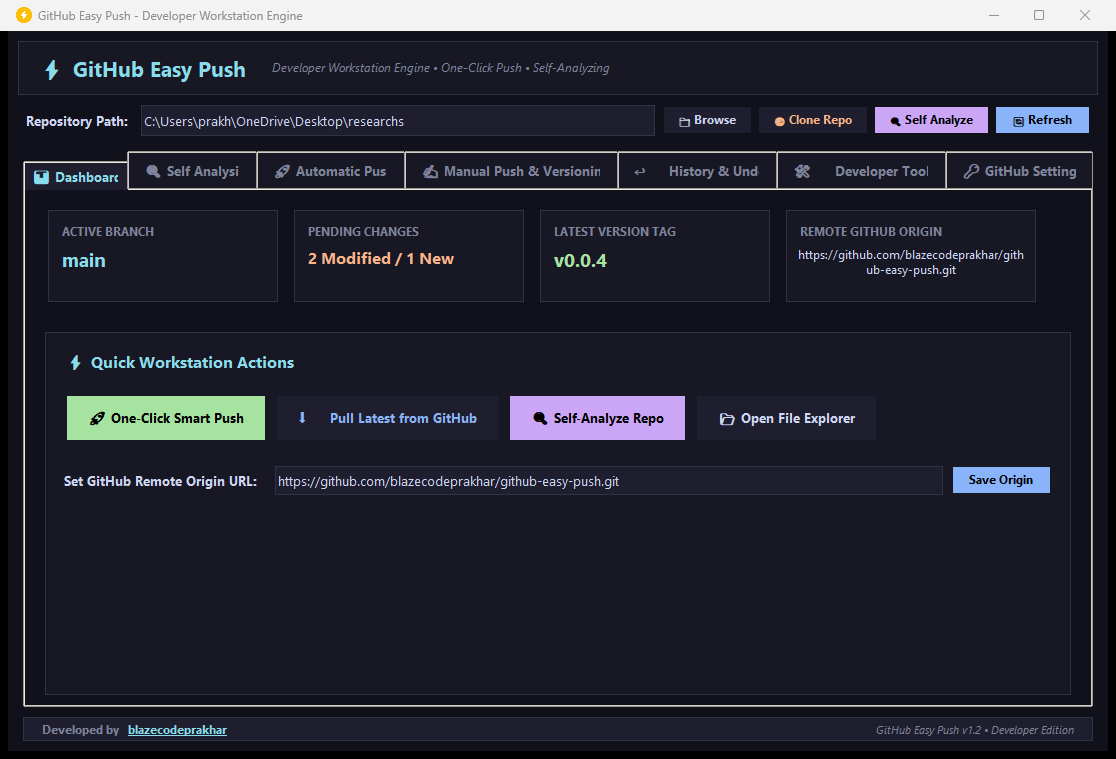
GitHub Easy Push Dashboard Interface Screenshot
MODULE 02

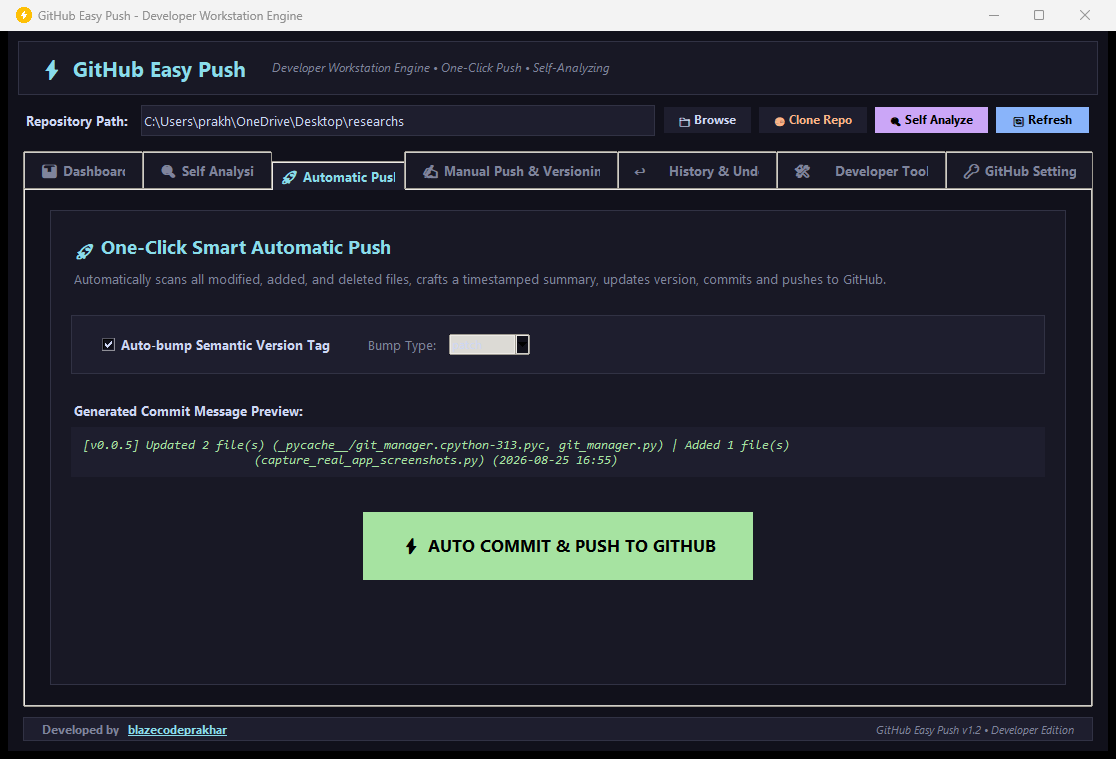
One Click Smart Automatic Push

INSTANT DEPLOYMENT

The Automatic Push mode scans your project directory, detects file modifications, creates structured commit notes, bumps your version tag, and pushes to GitHub in 1 click.

Automatic Push Interface Screenshot
MODULE 03

Commit History & Repository Undo Engine

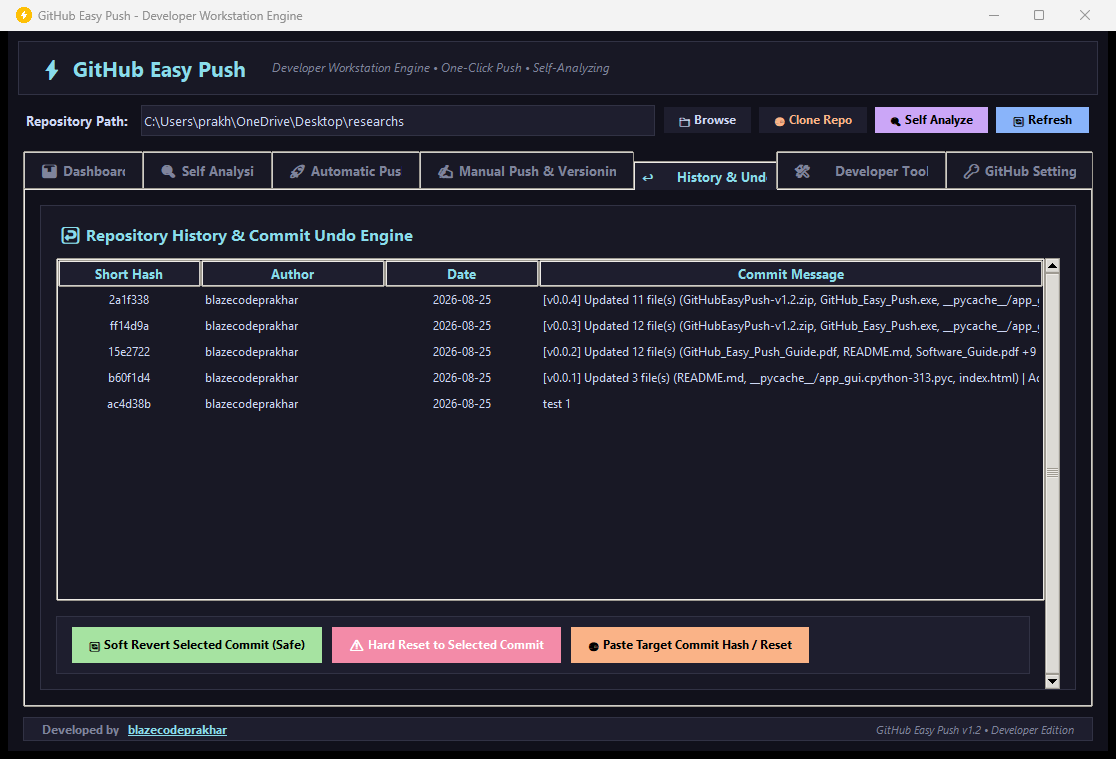
SAFE REVERT & HARD RESET

Made a mistake? GitHub Easy Push provides visual timeline inspection with Soft Revert and Hard Reset capabilities.

Commit History and Undo Interface Screenshot
MODULE 04

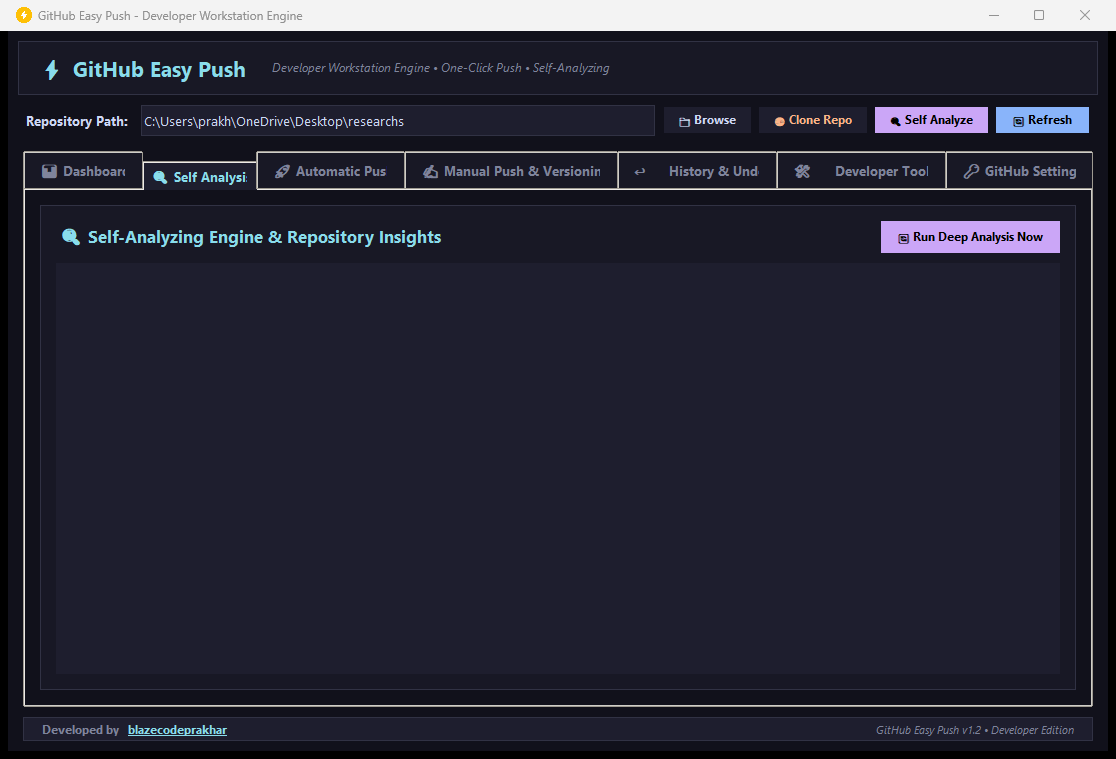
Self Analyzing Engine & Lineage Audit

WORKSPACE INSIGHTS

The Self Analyzing engine inspects directory structures, checks parent child commit lineage, audits .gitignore protection rules for sensitive files (.env, build directories), and monitors sync health.

Self Analysis Interface Screenshot
MODULE 05

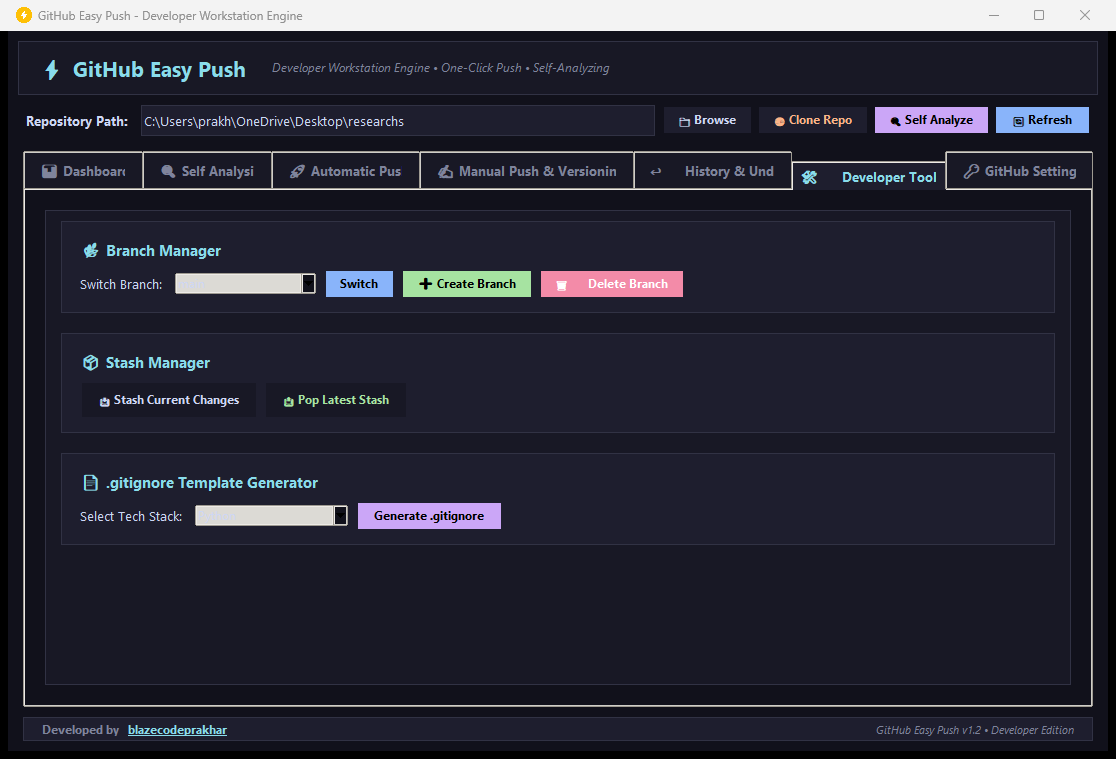
Developer Power Tools & .gitignore Generator

UTILITIES

Manage branches, stash uncommitted working edits, and generate ready to use .gitignore templates for Python, Node, C++, Java, and Go.

Developer Power Tools Screenshot